


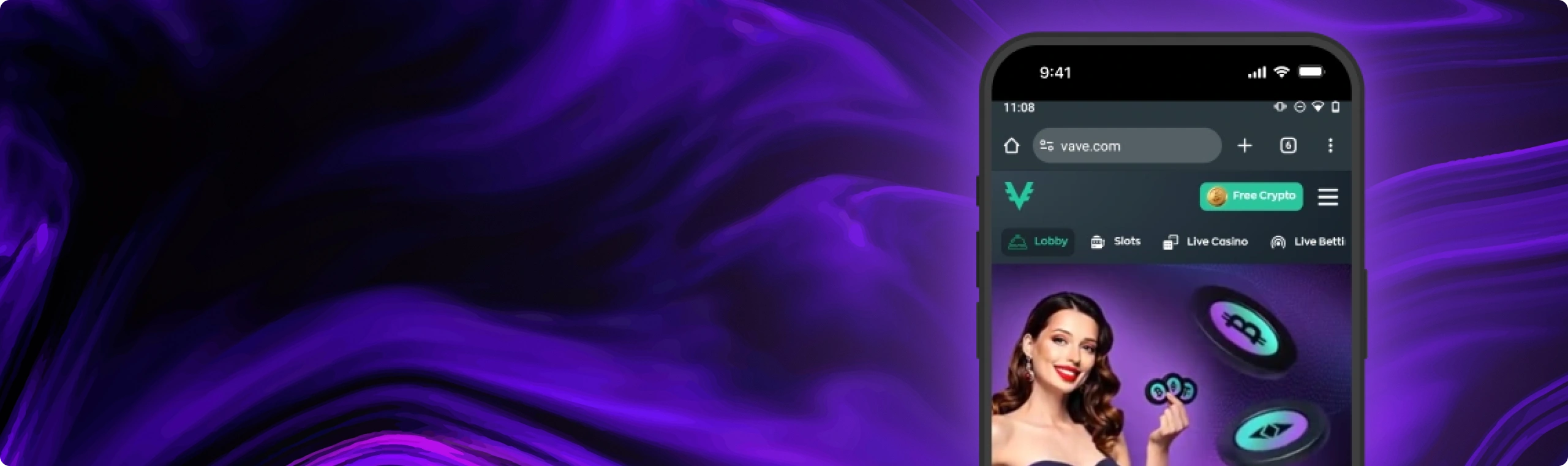
Ultimate Guide to the Vave Casino Mobile App in Canada: Download, Install & Features
Learn how to add Vave Casino’s web app in Canada on iOS and Android, check features, bonuses, and tips for smooth crypto play on the go.
Join NowNavigation

Vave Casino is a crypto-based platform with a sportsbook and a large casino game library. It also delivers a strong mobile setup that feels close to a native app.
On mobile, Vave works as a web app that you save to your home screen. You do not need to download a separate file. You still get the full set of site features: table games, live dealer rooms, crypto deposits and withdrawals with common coins, promos, loyalty tiers, and live chat. Updates arrive through the site itself, so you do not install patches later. Storage stays light since game data caches as you play.
Now let’s look at how to get the best out of Vave on your phone.
How to Download & Install the Vave Casino App
Want Vave on the go? Setup takes a minute or two on iPhone, iPad, or Android. Follow the steps for your device and you can open Vave fast, anywhere you play.
For iPhone & iPad (iOS):
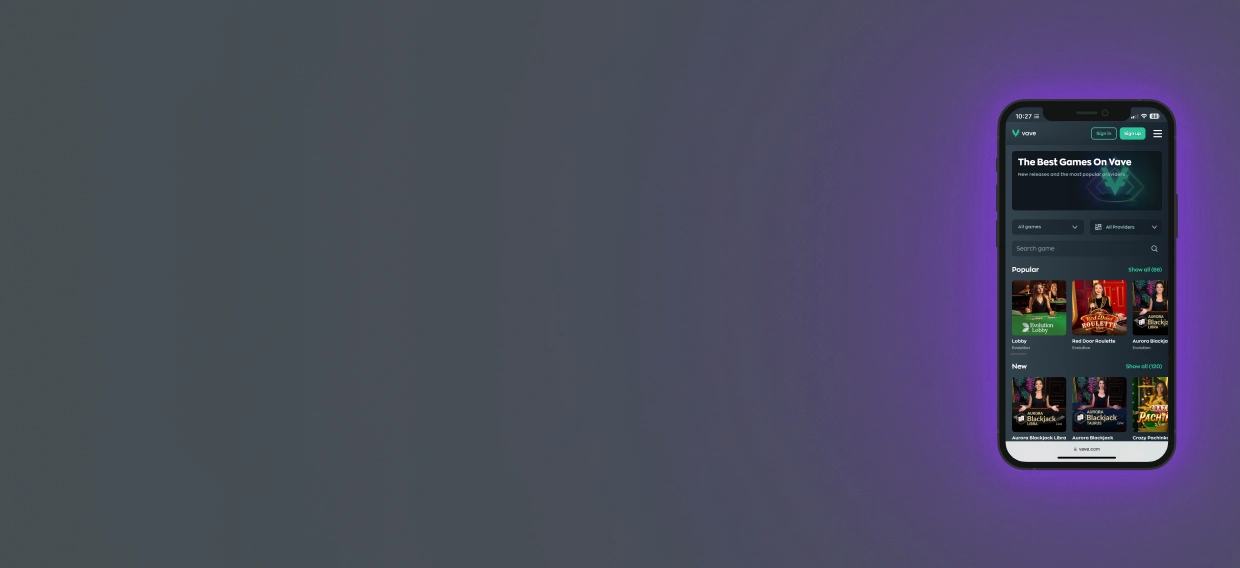
To add the Vave Casino web app on an iPhone or iPad, do the following:
- Open Safari: On your iPhone or iPad, open Safari and go to the Vave site. Log in to your account to begin.
- Tap the Share button: Once the site loads, tap the Share icon at the bottom of the screen (a square with an arrow pointing up).
- Add to Home Screen: In the menu, tap Add to Home Screen.
- Confirm with Add: A prompt appears. Tap Add to confirm, and Vave appears on your Home Screen like a normal app.
- Open Vave: Go to your Home Screen, tap the Vave icon, and start playing.
 Download the
 IOS app
For Android Phones & Tablets:
To install the Vave Casino web app on Android, follow these steps:
- Open Chrome: Open Chrome on your device, visit the Vave site, and log in.
- Open the menu: Tap the three vertical dots (⋮) in the top-right corner.
- Choose “Add to Home Screen”: Select Install App or Add to Home Screen, both options work.
- Tap install or confirm: If you see a prompt, tap Install or Add to continue.
- Launch Vave: After install, the Vave icon shows on your Home Screen or in the app drawer. Tap it to open and play.
 Download the
 android app
App Features & Benefits
Why play on mobile? It comes with clear advantages. Here is what Canadians can expect from the Vave mobile setup.
Portability
Mobile play should feel quick. With Vave, it does. The icon sits on your Home Screen and opens the casino in its own window. You do not need to type the URL or search through tabs. You land in the lobby, then move to slots, table games, live rooms, or the cashier in a few taps.
Portrait view keeps controls easy for one hand. Landscape view gives more space for reels and live video. If you also play on desktop, the same account follows you, so you can start on one device and continue on another without losing progress. The goal is fewer steps, not fewer features, so phone play feels natural instead of cramped.
Security
Vave puts a lock on your data by sending it through HTTPS when you’re interacting with the site – thats a big safety net. To be honest though, you need to take some personal responsibility for your own security. Choose a super strong password and make sure your device is locked with something you can’t easily forget, like Face ID or a decent PIN. If you’ve got access to two step verification for the wallets and exchanges you use, click that on too. And just to be safe, store those recovery phrases somewhere safe and offline.
Before you send any money anywhere, double-check the wallet address one last time before you hit confirm. And actually, send a teeny test first if you’re transferring a bigger sum – if everything turns up as expected, then you can send the rest. Its worth waiting till you’re on a Wi-FI connection at home, or better still a super fast 4G/5G signal when you’re playing on the go. Keep your browser up to date so you get all the new security patches. And if anything starts to feel a bit off – just stop what you’re doing and give live chat a shout. Its way better to ask a quick question than to risk a dodgy tap – thats just as true for our Canadian players as anyone else.
Mobile Optimization
Vave pages adjust to your screen, so text stays readable and taps land where you expect. Lobby sections sit in clear categories, and filters help you narrow by game type or provider without endless scrolling.
Search works fast, which matters with a large library. Game assets cache as you play, so returning to a title loads quicker and storage use stays modest. Live dealer rooms scale to your display and keep controls simple, so you can bet, chat, and switch tables without jumping through menus.
Rotate your phone and most games adapt, so you can pick the view that feels best. On older devices, closing background apps before a live room can free memory and keep streams steady.
Features You’ll Use Often
Opening from the Home Screen icon launches full-screen play, so you focus on the lobby, not browser bars. On a private device, you can save your login to avoid repeat typing. The cashier stays in the same window, so deposits and withdrawals stay one tap away.
Live chat sits close for quick help, and it opens inside the app window, so you can ask a question without leaving a table. Some phones and OS versions allow push-style alerts for web apps. If your device supports it, you can turn them on for promo updates or key account notes.
The game area keeps a list of recent titles and often remembers your last bet size, which saves a few taps when you return. Add a few simple habits: pin favourites, keep brightness at a sensible level so the phone stays cool, and charge the device during long live sessions. Then mobile play stays stable for day-to-day use.
Bonuses and Promotions
Just like on desktop, you can claim promos on mobile. Open “Promotions,” choose an offer, read the rules, tap Activate, and you are set. Here is the usual lineup for Canadians:
Welcome package — 325% up to 4 BTC (first 4 deposits):
- 1st deposit: 150% up to 1.5 BTC + 100 free spins
- 2nd deposit: 100% up to 1 BTC
- 3rd deposit: 50% up to 1 BTC
- 4th deposit: 25% up to 0.5 BTC
- Thursday Reload — weekly top-up for regular play
- Slot Races — leaderboard prizes based on your results
- Wheel of Fortune — spin for bonus rewards

App Requirements & Compatible Devices
Vave functions as a web app that you add direct to your browser – so it’s not limited to a single phone brand or app store. As long as your device is fairly recent and you’re keeping your browser up to date, you should be good to go. There are only two things that really matter: an up to date operating system and a stable internet connection. The fact that live tables and newer slot engines rely on your browser for video, sound and graphics means that having a browser that’s not too old is going to make a big difference in how smoothly everything runs – every time you open the lobby, to be honest. This setup keeps compatibility broad and performance strong.
App Requirements
Vave’s baseline focuses on software, hardware, and connection quality for smooth play. When you’re on an iPhone or iPad, aim to be running at least iOS 15. And go for the latest version of Safari you can get. On an Android phone, Android 8.0 and the latest Google Chrome is a minimum spec. Having two gigabytes of RAM will help the site stay nice and responsive. Having about 200MB of free space lets your browser cache all the little bits like images and audio so your favourite bits load up a bit faster next time. This is not a large install. The web app sits in the browser and stores only lightweight files as you play. On Android in particular, plan for at least 2 GB RAM and 100–200 MB free space for cached assets as your library grows.
Network quality affects gameplay directly, especially in live rooms. Having a fast and stable internet connection – whether thats a top notch home Wi-Fi or a strong 4G/5G signal – will help your streams stay silky smooth and your bet placement stay quick. 10 megabits per second or so is a good target, but a lot of tables don’t need it that fast – even if the stream has a bit of a stutter at first. If you do spot any stuttering, try closing any other apps that are using up your data, or just move a bit closer to the router and see if that helps. If not, try pausing any background downloads.
Finally – a good screen with good resolution makes a difference if your watching live action on a small screen, but its not a must have. If your device supports 4G or 5G, live sessions can feel closer to desktop, even during busy periods.
Battery condition also matters. Live video and long slot sessions drain power faster, so keep charge above twenty per cent, drop brightness one notch if the phone heats up, and plug in during longer play. This is normal mobile behaviour, not a Vave-only issue. A quick cleanup can help too. Close heavy apps and extra tabs to free memory on older devices.
Accessibility settings can make the interface easier to use:
- Increase system font size if text looks small.
- Use reduced motion if animations distract you.
- Try dark mode on OLED screens to reduce eye strain at night.
The web app follows your device settings, so you do not need extra toggles.
Compatible Devices
Vave is going to work on most modern devices as long as they meet our app requirements. If you can tick that box then you should have no problems getting the full features. We’re talking about most iPhone models from the 11 onwards, plus any recent iPad Air, iPad mini or iPad Pro models. On the Android side, most phones that have come out in the last few years are good to go without needing any special setup.
Since the web app depends on browser performance, fairly recent devices with updated software handle live tables and slot engines well. Follow the guidelines above and video, audio, and graphics should stay smooth each time you play.

Mobile Web Version
Do you prefer the browser without a saved icon? You can still use everything inside Safari or Chrome. Open the site, sign in, and you get the same account profile, balance, cashier, promos, VIP progress, and support as you would in the Home Screen app. The layout adapts the same way, and games load from the same catalogue. The only change is how you access it.
This option suits players who switch devices often or keep a clean Home Screen. A simple bookmark brings you back in two taps. “Remember Me” can shorten sign-ins on a private device. Strict privacy settings or regular cookie clearing can log you out more often. That is standard browser behaviour, not a casino restriction. If a page looks strange after a browser update, clear cache and reload, and it usually fixes the issue.
Live chat opens in the same window, the cashier stays one tap away, and search filters work as expected. If your device supports push-style alerts for web apps, adding the icon to the Home Screen gives the best chance to see them. If not, the browser route and the icon route feel the same in day-to-day use.
Join NowFrequently Asked Questions (FAQ)
1. How do I install the app on an iPhone or iPad?

Open the site in Safari, tap the Share button, select Add to Home Screen, then tap Add. The icon appears on your Home Screen and opens in its own window.
2. How do I install the app on Android?
Open the site in Chrome, tap the menu in the top-right corner, choose Install App or Add to Home Screen, and confirm. You will see the icon on your Home Screen or in the app drawer.
3. Is there an APK to download?
No. Vave does not provide an APK. Install happens through Chrome while you are on the site. You do not need Unknown Sources or sideloaded files.
4. The install prompt didn’t show. What now?
Update your browser first. On iPhone and iPad, install through Safari. On Android, open Chrome’s menu and select Add to Home Screen or Install App. If the icon still does not appear, clear cache and try again.
5. What are the minimum requirements to run the app?
For iOS, aim for iOS 15 or later with the latest Safari. For Android, Android 8.0 or later with the latest Chrome. Two gigabytes of RAM and a small amount of free space for cached assets help gameplay stay smooth.
6. Will it work on tablets?
Yes. iPad and Android tablets install the same way as phones through the browser. A larger screen makes live tables and long lists easier to manage.
7. How much storage does it use?
It uses far less than a native app. Over time, expect about 100–200 MB as the browser caches game assets. You can clear this cache in browser settings to free space.
8. Do I get the same bonuses on mobile?
Yes. Mobile and desktop share the same promos and the same loyalty progress. Read the rules before you claim, including eligible games, wagering, and time limits.
9. How are updates delivered?
Updates come through the site, so the app stays current each time you open it. You do not download updates from a store.
10. Can I play without the internet?
No. Real-money play needs an active connection to load games, place bets, and update balances.

