


Ultimate Guide to the Vave Casino Mobile App in Ireland: Download, Install & Features
Discover how to set up Vave Casino’s web app in Ireland on iOS and Android, use features, bonuses, and tips for smooth crypto play
Join NowNavigation

Vave Casino is a crypto-based platform with a sportsbook and a large casino game library. It also delivers a strong mobile setup for play on the move.
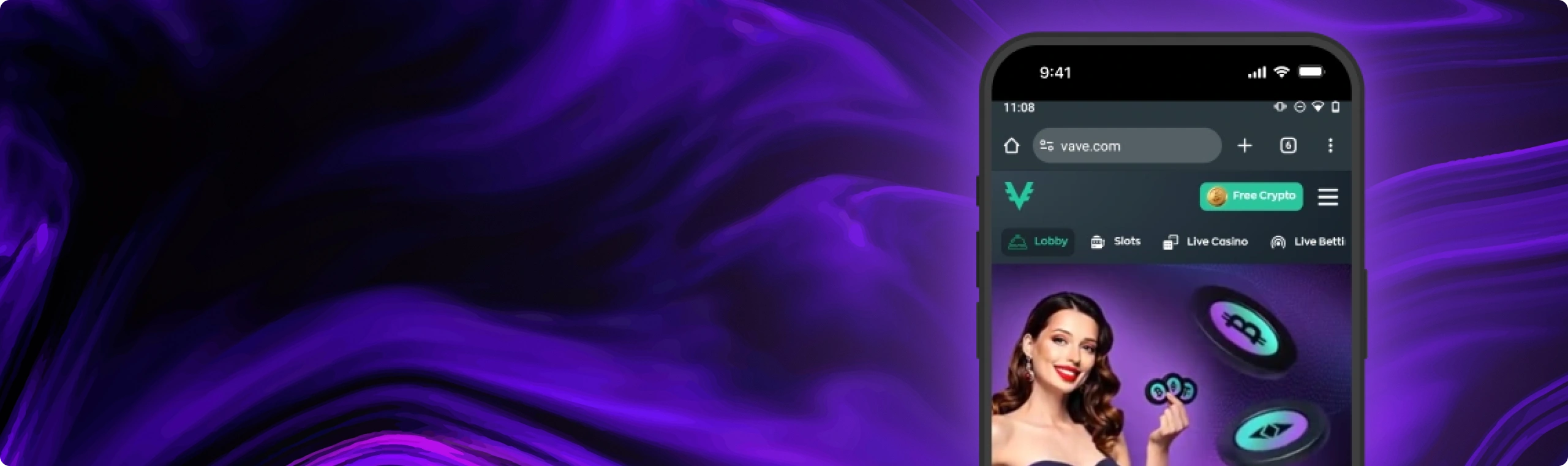
On mobile, Vave works just like the main site – it’s saved to your home screen as a web app, so you don’t have to bother with a separate app download. You still get access to all the same features you’d find on the main page: table games, live dealer rooms, deposits and withdrawals using all the major cryptos, promotions, loyalty rewards, and live support. Any updates come through to your browser, so there’s no need to install anything extra later on either. And since the game data gets cached as you play, your storage stays nice & tidy.
Now let’s look at how you can get the best out of Vave on your phone.
How to Download & Install the Vave Casino App
Want to use Vave Casino on the go without having to fire up your desktop? Setting up is pretty painless on an iPhone, iPad, Android phone or tablet – just add Vave to your home screen as a web app, and it’ll sit there like any other app. Then you can just log in, top up with crypto, grab your promo vouchers and be playing slots, live tables or sports in next to no time.
For iPhone & iPad (iOS):
To get Vave Casino working on your iPhone or iPad, follow these steps from start to finish:
- Open Safari. Go to the Vave website and log in to your account, so the app opens straight into your lobby later.
- Tap the Share button. It sits at the bottom of the screen and looks like a square with an arrow pointing up.
- Choose Add to Home Screen. Scroll the share sheet if you do not see it right away.
- Confirm by tapping Add. You can keep the default name or edit it, then tap Add to place the icon.
- Open Vave from your Home Screen. Tap the new icon, sign in if prompted, and start playing as you normally would.
 Download the
 IOS app
For Android Phones & Tablets:
To set up Vave Casino on Android, you can do the same thing through Chrome. The icon will appear on your Home Screen and may also show in the app drawer:
- Open Chrome. Visit the Vave website and log in to your account to complete setup faster.
- Open the menu. Tap the three vertical dots (⋮) in the top-right corner of the browser.
- Select Install App or Add to Home Screen. The label can vary by device, but both options create the shortcut.
- Tap Install or Add when the prompt appears. Confirm any final pop-up to finish the process.
- Launch Vave. Tap the icon on your Home Screen or in your app drawer to open the web app and continue play.
 Download the
 android app

App Features & Benefits
Why use mobile play? It brings clear perks when you want quick access and fewer steps. Here is what you can expect on Vave when you play from your phone, including what many Irish players value most: speed, simple navigation, and the same tools as desktop.
Portability
Vave wants mobile play to feel as convenient as a click of the button. With Vave, that’s exactly what you get. The Vave icon sits on your Home Screen and with a tap, opens the casino in its own window. No fiddling about with web addresses or browser tabs – you just land straight in the lobby and can get to the slots, table games, live rooms or the cashier in no time.
The portrait view is designed with one-hand play in mind, keeping essential controls within easy reach. The landscape view gives you a bigger space to take in the reels and live video. And because your account syncs perfectly across devices, you can start playing on your phone and pick up right where you left off on your laptop – ideal for players in Ireland who often switch between their mobile and a bigger screen at home. Our aim was to get the experience down to just the essentials, so you don’t feel like you’re missing out on features, but you can still enjoy a seamless gaming experience on your phone, no matter what.
Security
Vave uses HTTPS, which protects your data while it’s in transit. On your end, choose a password that’s actually going to secure your account – something a bit more robust than a usual password. Lock your device using Face ID, fingerprint or a decent PIN – it’s not rocket science. Get two-factor verification going for all your wallets and exchanges. And when you’ve got recovery phrases, keep them somewhere safe – like a notebook in your top drawer.
Before you go ahead and withdraw any cash, double check the wallet address first. If you’re planning a big withdrawal, send a small test payment before sending the rest. If everything looks good, then you’re good to go. Use a Wi-Fi network you trust at home or get a decent 4G signal when you’re out and about, and make sure your browser is kept up to date so you’ve got the latest security patches. If something doesn’t smell right to you, stop what you’re doing and give our support team a shout using live chat. Your time is worth more than risking a costly mistake – and trust me, Irish players on the move on their mobile will appreciate that extra split second to take a breath.
Mobile Optimization
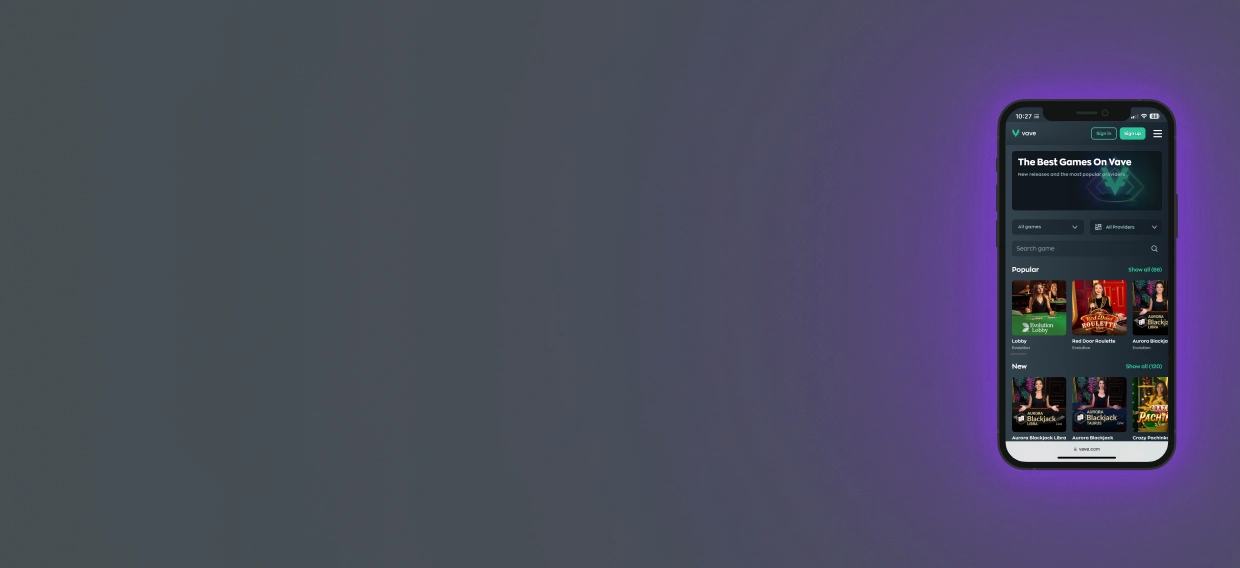
Vave pages adjust to your screen, so text stays readable and taps land where you expect. Lobby sections sit in clear categories, and filters help you narrow choices by game type or provider without endless scrolling.
Search stays quick, which helps when the library is large. Game files cache as you play, so returning to a title loads faster, and storage use stays modest. Live dealer rooms scale to your display and keep controls simple, so you can bet, chat, and switch tables without juggling menus.
If you rotate your phone, most games adjust, so you can pick the view that feels better. On older devices, closing background apps before you open a live room can free memory and keep streams stable.
Features You’ll Use Often
Opening from the icon launches a full-screen view that keeps you on the lobby, not on browser controls. On a private device, you can save your login to avoid repeat typing. The cashier sits in the same window, so deposits and withdrawals stay one tap away.
Live chat also stays close and opens inside the app, so you can ask a question without losing your seat at a table. Some phones and OS versions support alert-style notifications for web apps. If your device supports them, you can turn them on for promo updates or account notes.
The game area keeps a “recently played” list and often remembers your last stake size. That cuts a few taps when you return. Add a few habits, like pinning favourite games, keeping brightness at a sensible level so your phone stays cool, and charging during long live sessions, and mobile play stays steady day after day.
Bonuses and Promotions
Just like on desktop, you can claim bonuses on mobile. Open “Promotions,” pick an offer, read the rules, tap Activate, and play. Here is the usual line-up:
Welcome package — 325% up to 4 BTC (first 4 deposits):
- 1st deposit: 150% up to 1.5 BTC + 100 free spins
- 2nd deposit: 100% up to 1 BTC
- 3rd deposit: 50% up to 1 BTC
- 4th deposit: 25% up to 0.5 BTC
- Thursday Reload — weekly top-up for regular play
- Slot Races — leaderboard prizes based on your results
- Wheel of Fortune — spin for bonus rewards

App Requirements & Compatible Devices
Vave runs as a web app added through your browser, so it does not depend on one phone brand or a single app store. If your device is fairly recent and your browser stays updated, setup stays simple. The two key factors are a current operating system and a stable internet connection. Live tables and modern slot engines rely on your browser for video, sound, and graphics, so keeping it updated pays off every time you open the lobby. This approach gives wide compatibility and steady performance, which suits players in Ireland who use different devices day to day.
App Requirements
Vave really focussed on making sure that the software, hardware, and online connection all stack up to give you a smooth experience on Vave. On an iPhone or an iPad you’re looking for at least iOS 15 (and make sure your Safari browser is bang up to date). For Android, think about running with Android 8.0 or better – and keep Chrome right up to speed as well
2 GB of RAM will keep things responsive while you’re playing, and then there’s the storage side of things – you’re looking at around 200 MB of free space so the site can cache some images, audio and other bits and bobs. You won’t be installing a monster – the web app lives in your browser and only stores a few small files as you go along. If you’re an Android user then you might want to budget for 2 GB of RAM and about 100 – 200 MB of free space, bearing in mind that all your game history is going to take up a bit of space.
The quality of your internet connection is going to have a direct impact on how well you can play Vave, especially if you’re hanging out in live rooms. If you’ve got a strong home Wi-Fi or a reliable 4G or 5G signal then you’re golden – the streams will be crystal clear and your bets will be super responsive. A speed of about 10 Mbps is a fair target to aim for, but it’s worth noting that a lot of tables will actually run just fine on slower speeds – it all depends on when the stream settles down, to be honest. If you do notice things starting to stutter then try the following : closing down any other apps that are using up data, moving a bit closer to your router, or maybe just pausing any background downloads.
Screen quality helps, but it is not required. Higher resolution displays make live video and small controls easier to read. If your phone supports 4G or 5G, the experience often feels close to desktop, even during busy sessions that Irish players tend to join on weekends.
Battery health matters too. Live video and long slot sessions can drain power. Keep charge above 20%, lower brightness if the phone runs warm, and plug in during longer sessions. This applies to all modern media use, not only casino play. Closing heavy apps or spare tabs can free memory on older phones and make a clear difference.
Accessibility settings can improve comfort:
- Increase system font size if text feels small.
- Use reduced motion if animations distract you.
- Try dark mode on OLED screens to ease eye strain during night play.
The app follows your device settings, so no extra switches are needed.
Compatible Devices
Vave works on a wide range of modern devices as long as requirements are met. That includes most iPhone models from iPhone 11 onward, along with recent iPad Air, iPad mini, and iPad Pro versions. Most Android phones from the past few years also meet these standards without changes.
Because the web app relies on browser features, devices with updated software handle live tables and slot engines well. Following these guidelines helps Irish users keep video, audio, and graphics running smoothly each time they play.

Mobile Web Version
If you prefer not to add an icon, you can play directly in the browser. Open the site, sign in, and you will see the same balance, cashier, promos, VIP progress, and support options as in the Home Screen app. The layout adapts the same way, and games load from the same catalogue. The only difference is how you open it.
This option suits players who change devices often or keep a clean Home Screen. A bookmark in Safari or Chrome gets you back in two taps, and saved login details shorten sign-in on a private device. Strict privacy settings or frequent cookie clearing can log you out more often. That is normal browser behaviour. If a page looks off after an update, clearing the cache and reloading usually fixes it.
Live chat opens in the same window. The cashier stays one tap away. Search filters work as expected. If your phone supports alert-style notifications for web apps, adding the icon to the Home Screen is the best way to receive them. If not, browser and app use will feel the same in daily play.
Join NowFrequently Asked Questions (FAQ)
1. How do I install the app on an iPhone or iPad?

Open the site in Safari, tap the Share button, select Add to Home Screen, then tap Add. The icon appears on your Home Screen and opens in its own window.
2. How do I install the app on Android?
Open the site in Chrome, tap the menu in the top-right corner, choose Install App or Add to Home Screen, then confirm. The icon appears on your Home Screen or in the app drawer.
3. Is there an APK to download?
No. Vave does not provide an APK. Installation happens through Chrome while you are on the site, without sideloading or changing security settings.
4. The install prompt didn’t show. What now?
Update your browser first. On iPhone and iPad, use Safari. On Android, open Chrome and choose Add to Home Screen or Install App from the menu. If the icon still does not appear, clear the cache and try again.
5. What are the minimum requirements to run the app?
For iOS, use iOS 15 or newer with the latest Safari. For Android, use Android 8.0 or newer with the latest Chrome. At least 2 GB of RAM and some free space for cached files help keep play smooth.
6. Will it work on tablets?
Yes. iPads and Android tablets install the same way as phones. The larger screen makes live tables and long lists easier to manage.
7. How much storage does it use?
Much less than a native app. Over time, expect about 100 to 200 MB as the browser stores cached assets. You can clear this in browser settings.
8. Do I get the same bonuses on mobile?
Yes. Mobile and desktop share the same bonuses and loyalty progress. Always read the rules, including wagering and time limits.
9. How are updates delivered?
Updates load through the site itself. Each time you open the app, you use the latest version without downloading anything.
10. Can I play without the internet?
No. Real-money games need an active connection to load games, place bets, and update balances.

